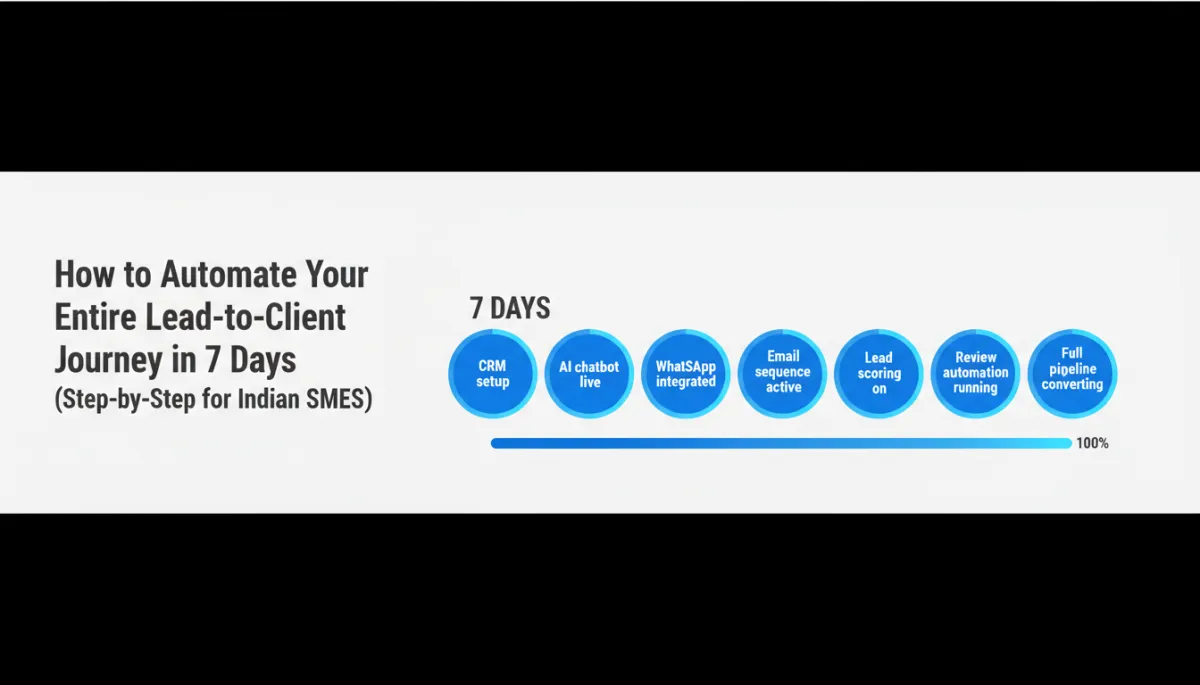
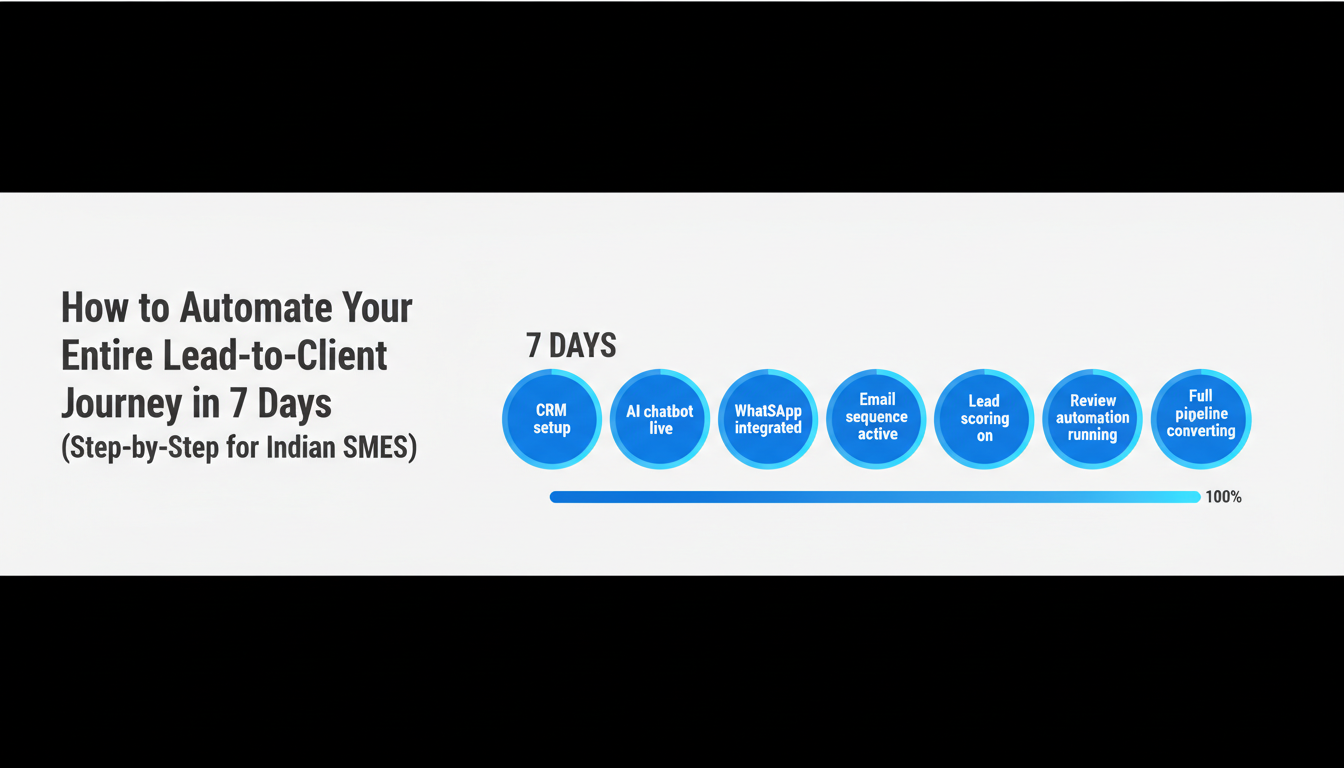
How to Automate Your Entire Lead-to-Client Journey in 7 Days (Step-by-Step for Indian SMEs)
For most Indian SME owners, automation sounds like something that requires months of planning, a technical team, and a budget that is not yet available. In 2026, none of those things are true. A complete, end-to-end lead-to-client automation system can be deployed in 7 days. Not as a prototype. Not as a rough draft. As a fully functional system that captures every lead, responds in seconds, nurtures across multiple touchpoints, and converts at measurably higher rates than any manual process can achieve.
This is the step-by-step guide. Day by day. System by system. Follow it, and by Day 7 your entire lead-to-client journey runs automatically — whether you are in the office or not.
Before You Begin: The 3 Decisions to Make Before Day 1
Three decisions made before you begin save significant rework during the 7-day process and determine how effectively the system performs from Day 1.
Decision 1 — Define Your Ideal Client Profile: Who is your best client? What industry are they in? What specific problem were they trying to solve when they found you? What was their approximate company size or personal context? The clearer this picture, the more targeted your lead scoring and nurture content can be from the start.
Decision 2 — Decide Your Primary Lead Magnet: What will you offer in exchange for a contact detail? For most Indian SMEs, the highest-converting options are: a free consultation or discovery call; a free audit or assessment; a free download (checklist, guide, or framework). Choose one and commit to it before Day 3.
Decision 3 — Map Your Current Lead Sources: List every channel where new leads currently arrive — website form, WhatsApp, Instagram DM, Facebook, phone, walk-ins, referrals, email. You will connect these to your unified CRM inbox on Day 1. Knowing them in advance saves time.
Day 1: Set Up Your AI CRM Foundation
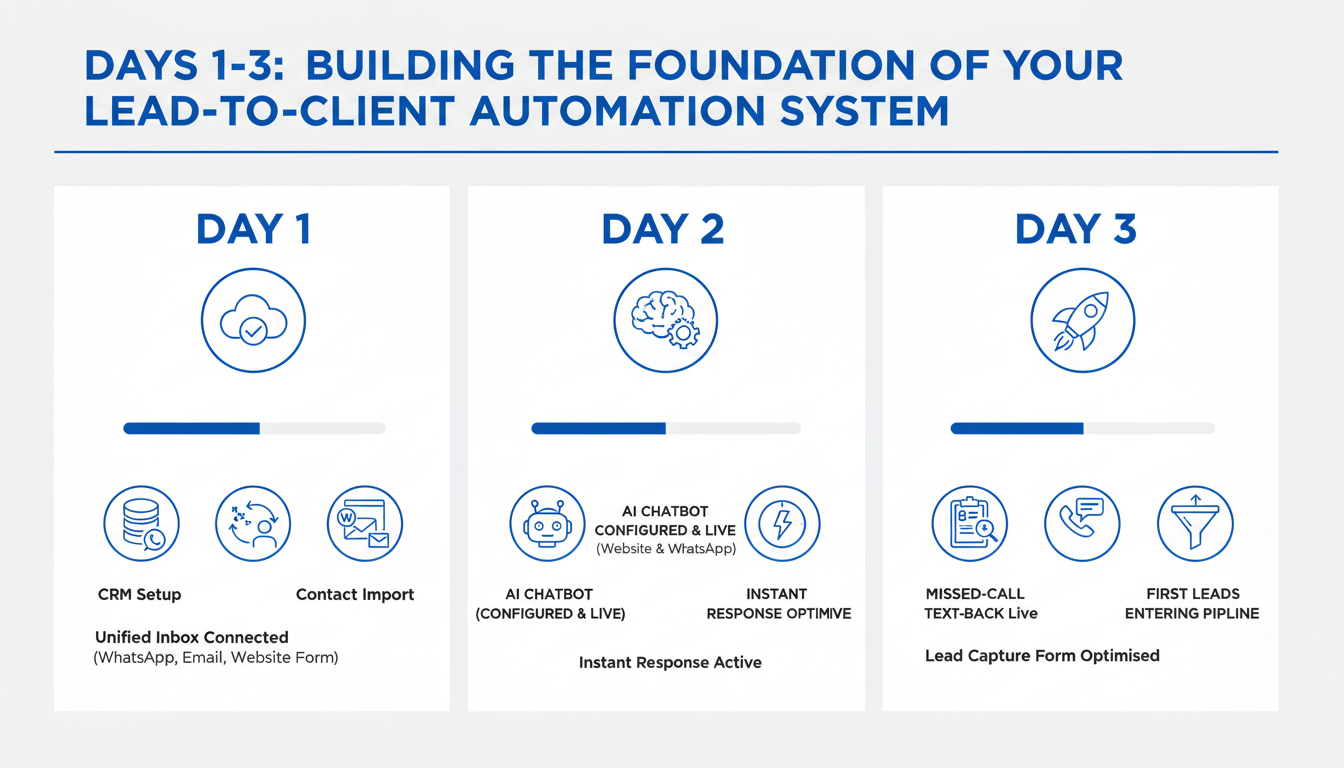
Day 1 is about infrastructure — connecting all your channels into one place so that every lead, from every source, lands in a single unified view for your team and your automations.
Tasks: Set up your AI CRM account and configure your business profile, branding, and team user access. Import your existing contact list (past clients, leads, enquiries). Connect your primary channels: website contact form, WhatsApp Business API, Gmail or business email, and Facebook and Instagram if applicable. Set up your unified inbox and confirm that test messages from each channel arrive correctly. By end of Day 1: every new enquiry from any channel lands in one place. Nothing falls through a gap.
Day 2: Deploy Your Instant Response Layer
Day 2 is about speed — ensuring that every new enquiry, regardless of when it arrives, receives a response within 60 seconds.
Tasks: Configure your AI chatbot for your website with 3–5 qualification questions appropriate to your service (What is your biggest challenge? What is your timeline? What is your approximate budget?). Configure your WhatsApp AI chatbot with the same qualification flow. Set up missed-call text-back — a message that fires within 30 seconds of any missed call: “Hi, I just missed your call! This is [Business Name]. How can I help you today?” Test the full flow with a real enquiry from your own phone. By end of Day 2: every enquiry receives an instant, intelligent, personalised response 24/7.
Day 3: Build Your Lead Capture Infrastructure
Day 3 is about maximising the percentage of website visitors who provide their contact details before leaving.
Tasks: Review your landing page or homepage and ensure the primary CTA is your lead magnet offer (free consultation, free audit). Ensure the AI chat widget is visible and proactively engaging on your highest-traffic pages. Install a WhatsApp click-to-chat button on your website with a pre-filled opening message relevant to your service. Configure an exit-intent popup that offers your lead magnet when a visitor shows signs of leaving. Test the full capture flow: visit your website, trigger the chat, submit the form, and confirm the contact appears in your CRM. By end of Day 3: your website is actively capturing 8–15% of visitors instead of watching 97% leave without a trace.
Day 4: Create Your 5-Touch Nurture Sequence
Day 4 is about consistency — building the automated follow-up sequence that ensures every lead hears from your business at least 5 times, with relevant content, at the right cadence.
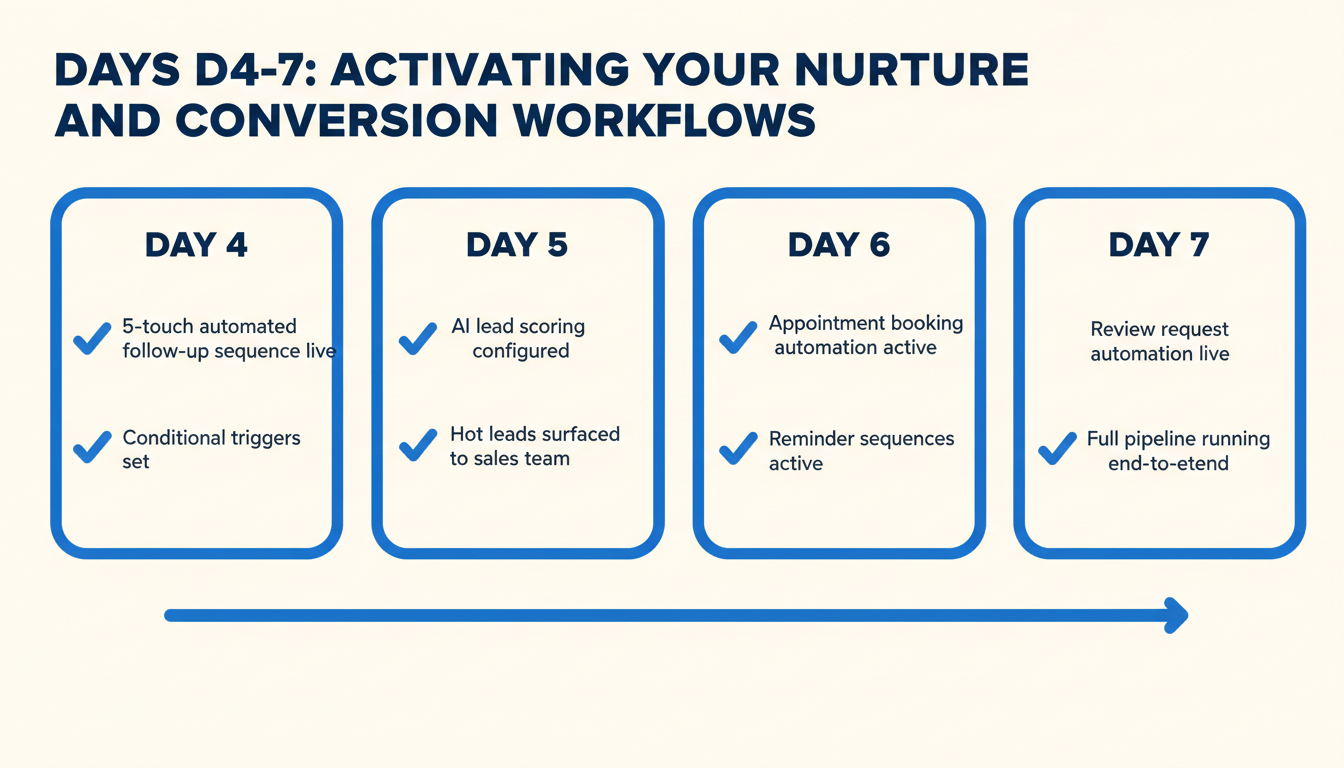
Tasks: Write 5 follow-up messages. Touch 1 (immediate): a warm acknowledgement and your lead magnet delivery. Touch 2 (Day 1): personalised value — a tip, insight, or relevant resource specific to their stated interest. Touch 3 (Day 3): social proof — a client testimonial or case study relevant to their situation. Touch 4 (Day 5): a direct, low-friction offer — free consultation booking link or free trial. Touch 5 (Day 7): a final, time-framed offer or personalised outreach prompt for your sales team. Configure each message in your CRM automation builder with the correct delays and channel (WhatsApp, email, or SMS based on the contact’s preferred channel). Set conditional branches: if the contact replies at any point, pause the sequence and notify the sales team. If they click the booking link, move them to the appointment stage. By end of Day 4: every new lead enters an automated 7-day nurture journey immediately upon contact.
Day 5: Configure AI Lead Scoring
Day 5 is about intelligence — building the system that tells your sales team exactly who to call first, based on real behavioural evidence rather than gut feel.
Tasks: Define 8–10 behavioural signals and assign point values to each (pricing page visit = 15 pts; email open = 5 pts; WhatsApp reply = 20 pts; booking link click = 30 pts; repeated website visit = 10 pts per visit). Set the threshold: contacts scoring above 70 receive a “hot lead” alert to your sales team. Configure the alert: when a contact crosses the threshold, your sales team receives a WhatsApp notification with the contact’s name, score, and the actions that triggered it. Brief your sales team on the system: check the hot lead alert daily and prioritise those calls above all others. By end of Day 5: your sales team will never again call in a random order. They will always call the leads most likely to convert — first.
Day 6: Set Up Appointment and Review Automations
Day 6 deploys the two automations with the most immediate, measurable impact on revenue: the appointment reminder sequence and the review request system.
Tasks: Connect your calendar or booking system to your CRM. Configure the appointment reminder sequence: immediate confirmation, 48-hour WhatsApp reminder with confirm or reschedule button, 2-hour SMS check-in. Configure the no-show recovery message: fires 30 minutes after a missed appointment slot with three alternative booking options. Configure the post-service review request: fires 48 hours after a completed appointment with a personalised WhatsApp message and direct Google review link. Test both sequences with a real or simulated appointment. By end of Day 6: your no-show rate will begin falling from the moment this goes live, and your Google reviews will start accumulating automatically for every satisfied client.
Day 7: Test, Activate, and Go Live
Day 7 is quality control and launch. Every automation you built in Days 1–6 gets a full end-to-end test before going live to real leads.
Tasks: Run a full end-to-end test: use your own phone number to submit an enquiry through your website, WhatsApp, and missed call. Verify that the instant response fires within 60 seconds on all channels. Verify that the new contact appears in your CRM with all details. Progress through the nurture sequence manually (fast-forward the delays in test mode) and confirm each message arrives correctly. Simulate a high-lead-score scenario and verify the hot lead alert fires to your sales team. Book and then cancel a test appointment to confirm the no-show recovery message fires. Activate all automations. Send a test review request and confirm the Google review link works. Brief your full team on the new system and their roles within it. You are live. By end of Day 7: your entire lead-to-client journey is automated, tested, and operational.
What to Expect in the First 30 Days
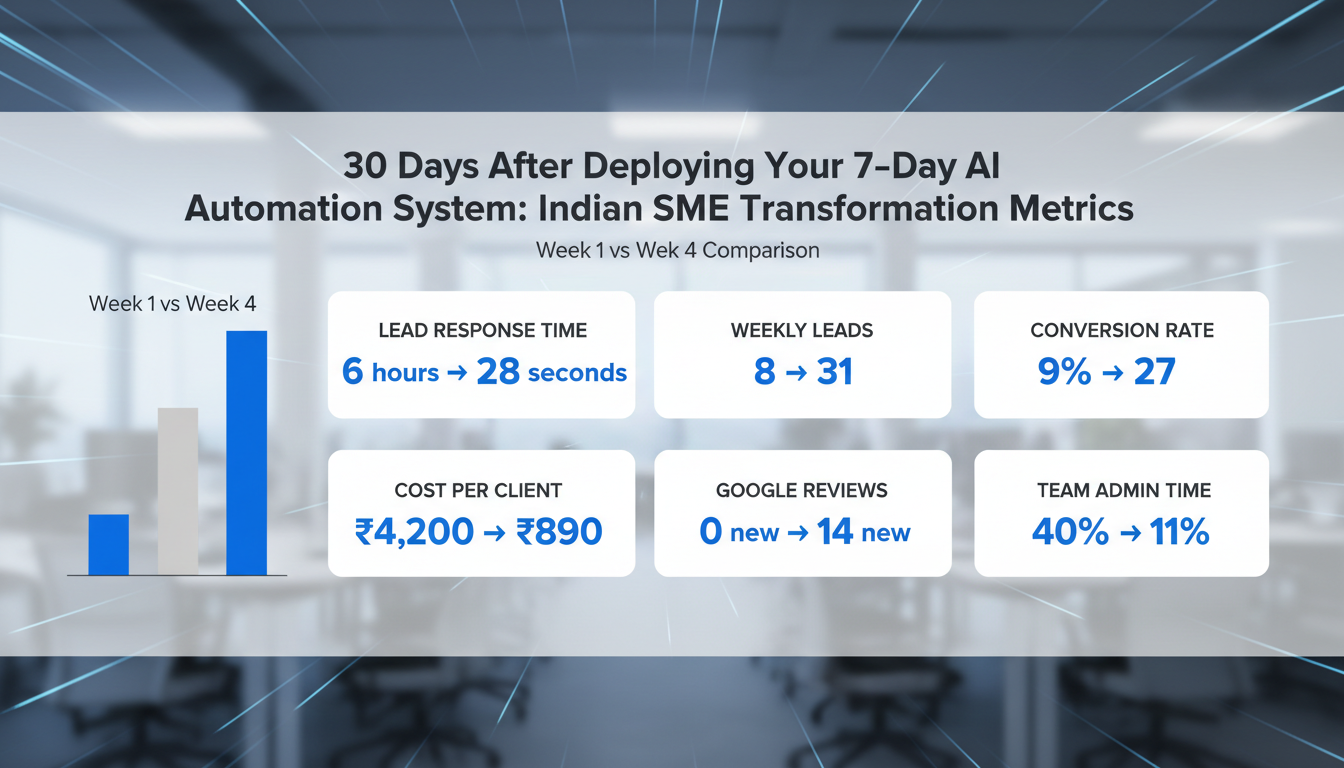
The impact of your 7-day automation deployment compounds over the first 30 days as each system has time to work through your lead volume.
Week 1: lead response time drops from hours to seconds. Every new enquiry receives an immediate, professional response regardless of when it arrives. Your team notices they are spending less time on initial outreach. Week 2: the first measurable improvement in lead-to-consultation conversion rate becomes visible as the nurture sequences begin delivering their second and third touches to leads captured in Week 1. Week 3–4: the AI lead scoring system begins surfacing priority leads that your team converts at significantly higher rates than before. Review automation begins generating new Google reviews. Week 4 (30-day checkpoint): run a before-and-after comparison using your CRM analytics. Response time, conversion rate, no-show rate, cost per acquisition, and Google review count should all show measurable improvement from your pre-automation baseline.
Frequently Asked Questions About the 7-Day Automation Deployment
Do I need any technical skills to do this myself?
The 7-day process as described requires configuration (setting up accounts, writing messages, connecting channels) but no coding or development skills. Most modern AI CRM platforms are designed for non-technical business owners. If you prefer to have specialists handle the setup, the same 7-day timeline applies with an experienced implementation partner.
How much does this cost to set up and run?
Setup costs vary depending on whether you do it yourself or engage a specialist. Ongoing monthly costs for a full AI CRM stack suitable for an Indian SME typically range from ₹8,000 to ₹25,000 per month depending on contact volume and feature set. This is typically recovered within the first 2–4 weeks through improved conversion rates and reduced no-shows.
What if I only have 2–3 hours per day to dedicate to this?
The 7-day plan can be extended to 14 days or more if daily time is limited. The sequence of tasks remains the same — each day’s work simply takes longer. The most time-sensitive tasks (Days 1–3) should be prioritised to get the instant response layer live as quickly as possible.
Can I start with just one or two automations instead of all seven?
Yes. If starting the full 7-day plan feels overwhelming, prioritise in this order: Day 2 (instant response) for the fastest impact on lead conversion; Day 4 (nurture sequence) for the highest long-term conversion improvement; Day 6 (appointment and review automations) for the most direct revenue recovery.
Seven Days. One Decision. A Business That Runs Differently from Tomorrow.
The lead-to-client journey that currently requires your constant attention, manual follow-up, and significant time can run automatically. Every enquiry responded to. Every lead nurtured. Every hot prospect surfaced at the right moment. Every appointment reminded and recovered. Every satisfied client turned into a Google review. All of it — happening in the background, around the clock, without your involvement after the initial 7-day setup.
The Indian SMEs building sustainable, scalable businesses in 2026 are the ones who made this decision. The ones who did not are still manually following up, still losing leads to faster competitors, and still wondering why growth feels harder than it should.
Ready to start your 7-day automation deployment? Get a Free SEO / Website Audit from Nexurate Technologies — and walk away with a personalised 7-day deployment plan built for your specific business, team, and growth goals.
